Coding Language Finder
Not sure where to start? Answer these two questions to find the best first language for you.
Title
Description goes here.
You’ve probably heard that learning to code is the new literacy. It sounds empowering, but then you open a textbook or watch a tutorial and see a wall of curly braces, semicolons, and abstract logic. Your brain hits the wall before your fingers even touch the keyboard. The truth is, not all programming languages are created equal when it comes to accessibility. Some require you to think like a computer; others let you speak in plain English.
If you are looking for the simplest coding path to start your journey in 2026, the answer isn't just one language-it depends on what you want to build. But if we strip away the hype and look at syntax readability, error tolerance, and community support, a few clear winners emerge. This guide breaks down which languages are easiest to pick up, why they are easy, and how to choose the right one for your specific goals.
The Short Answer: Why Python Usually Wins
For most absolute beginners, Python is a high-level, general-purpose programming language known for its readable syntax and extensive standard library. It was created by Guido van Rossum in 1991 and has since become the go-to language for education, data science, and web development. Why? Because Python reads almost like pseudo-code. Compare this to older languages like C++ or Java, where printing "Hello World" requires declaring classes, methods, and static voids.
| Language | Code Required | Complexity Level |
|---|---|---|
| Python | print("Hello") |
Very Low |
| JavaScript | console.log("Hello"); |
Low |
| Java | System.out.println("Hello");(inside a class/method) |
Medium |
| C++ | std::cout << "Hello";(with headers) |
High |
Notice the difference? In Python, there are no brackets to close, no types to declare upfront, and no boilerplate code. You write what you mean. This reduces cognitive load significantly. When you are learning the core concepts-loops, variables, functions-you don’t want to fight with syntax errors caused by missing semicolons. You want to focus on logic. Python lets you do that.
HTML and CSS: The Gateway Drugs (In a Good Way)
Here is a controversial take: technically, HTML and CSS are markup and style sheet languages used for structuring and presenting content on the World Wide Web, respectively. They are not programming languages in the strict sense because they lack logic controls like loops or conditionals. However, they are undeniably the simplest way to get immediate visual feedback.
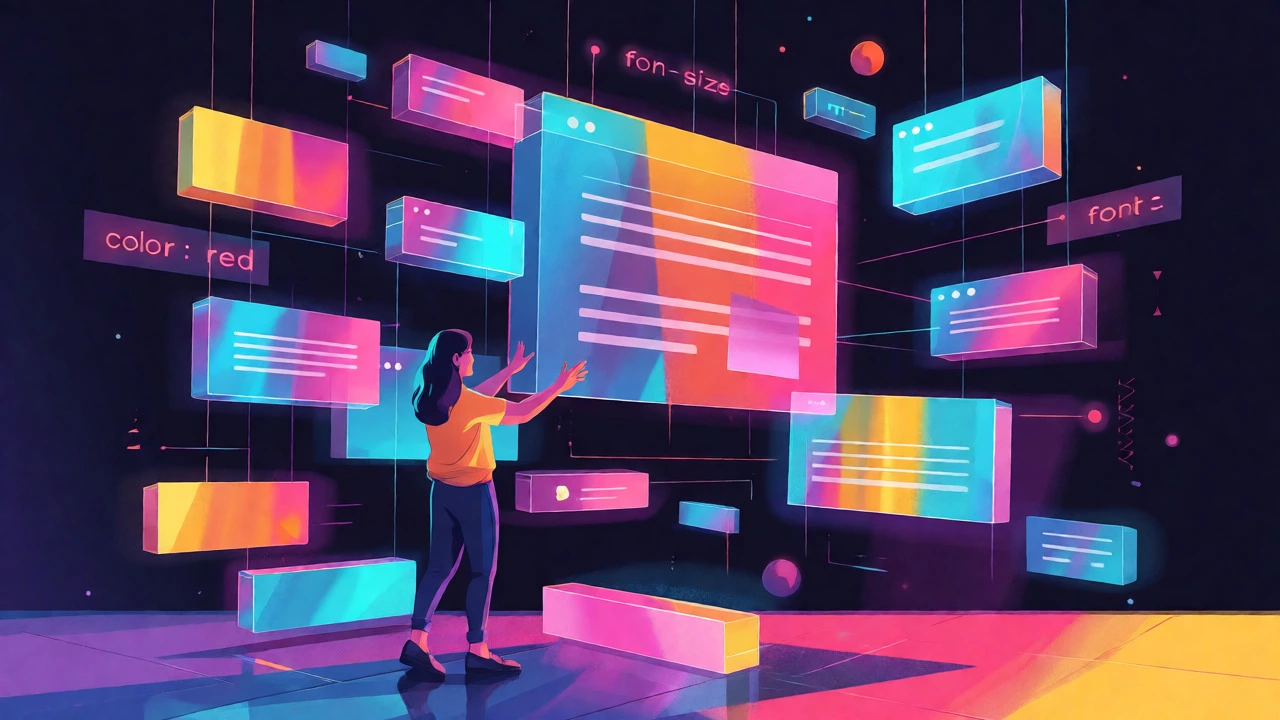
If you have ever tried to make a website, you know the frustration of debugging invisible logic errors. With HTML/CSS, if you change the color from blue to red, you see it instantly. This instant gratification loop is powerful for motivation. Many bootcamps now start here. You learn tags (<div>, <p>) and styling properties (color, font-size). It’s low-risk, high-reward. Once you understand how elements sit on a page, moving to JavaScript becomes much less intimidating because you already know where the code lives.
JavaScript: The Universal Connector
If your goal is to work in web development, JavaScript is the scripting language that enables interactive web pages and is an essential part of web applications. Created in just ten days by Brendan Eich in 1995, it runs everywhere-from browsers to servers via Node.js. While slightly more complex than Python due to its quirky history (yes, == vs === is real), it is arguably the most practical first language for career-switchers.
Why? Because it is ubiquitous. Every modern browser runs it. If you learn JavaScript, you can build websites, mobile apps (via React Native), desktop apps (via Electron), and server-side backends. The barrier to entry is low: you only need a text editor and a browser. No installation headaches. No compiler errors blocking your progress. Just open Chrome, hit F12, and start typing. The ecosystem is massive, meaning if you get stuck, someone else has likely posted the exact solution on Stack Overflow within the last hour.
Scratch: For Kids and Absolute Novices
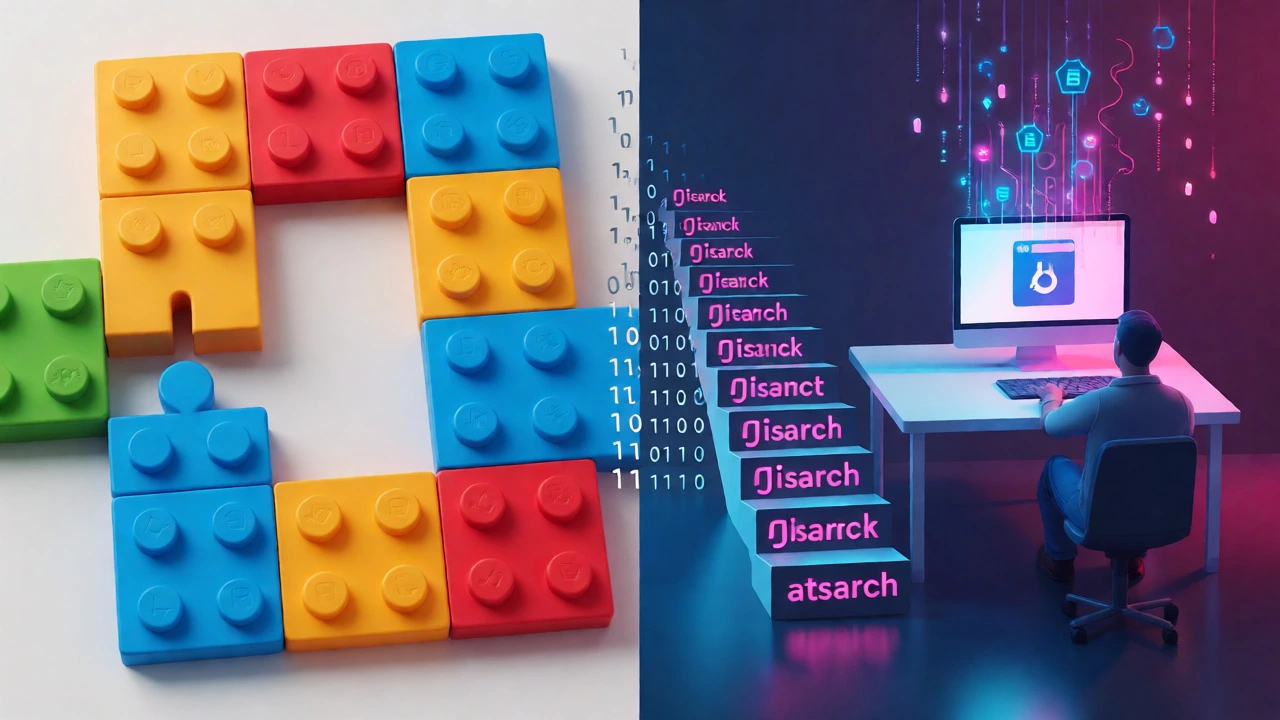
Before we dismiss Scratch as a block-based visual programming language developed by MIT Media Lab for children aged 8-16. consider who you are. Are you a complete novice who gets anxious around text editors? Scratch removes the syntax entirely. You drag and drop blocks like puzzle pieces. [Move 10 steps] connects to [When green flag clicked].
This might seem childish, but it teaches fundamental computational thinking: sequencing, events, and loops. Many adults find that spending two weeks in Scratch clarifies concepts that confuse them in Python. It builds confidence without the fear of typos breaking everything. If you struggle with abstract logic, start here. Then graduate to Python once you feel comfortable with the flow of instructions.
Choosing Based on Your Career Goals
Simplicity is subjective. What is simple for a data analyst is frustrating for a game developer. Here is how to match the language to your intent:
- Data Science/AI: Choose R or Python. R is statistically oriented and simpler for pure analysis tasks, while Python is better for building end-to-end pipelines.
- Web Development: Start with HTML/CSS then move to JavaScript. This is the non-negotiable stack for front-end roles.
- Mobile Apps: Look at Swift for iOS or Kotlin for Android. Both are modern, safe, and easier than their predecessors (Objective-C and Java).
- Game Development: C# with Unity is surprisingly accessible. Microsoft designed C# to be safer and cleaner than C++, making it a great bridge into object-oriented programming.
Pitfalls to Avoid When Starting
Don't fall into the "tutorial hell" trap. Watching videos feels productive, but coding is a muscle. You must type the code yourself. Another common mistake is jumping between languages too quickly. Stick with one language for at least three months. Mastering the basics of loops and functions in Python will make learning JavaScript later 50% faster because the concepts transfer.
Also, ignore the pressure to learn "hard" languages first. There is a myth that starting with C++ makes you a "real programmer." This is nonsense. It often leads to burnout. Simplicity is a feature, not a bug. Use tools that keep you motivated.
Quick Checklist for Your First Week
- Install VS Code (free, lightweight editor).
- Choose one language (Python recommended for general use).
- Complete a basic "Hello World" exercise.
- Build a tiny project: a calculator or a to-do list.
- Join one community (Reddit r/learnprogramming or Discord).
Is Python really easier than JavaScript?
Yes, generally speaking. Python enforces indentation and uses natural language keywords, reducing syntax errors. JavaScript allows more flexibility but has quirks (like type coercion) that can confuse beginners. However, if you are strictly interested in web design, JavaScript might feel more relevant despite being slightly trickier syntactically.
Do I need to install software to start coding?
Not necessarily. Platforms like Replit or CodePen allow you to write HTML, CSS, JavaScript, and Python directly in your browser. This is ideal for testing small snippets without worrying about environment setup issues.
How long does it take to learn the basics of a simple language?
With consistent practice (1 hour daily), you can grasp the fundamentals of Python or JavaScript in 4-6 weeks. Becoming job-ready takes longer (6-12 months), but you can build functional projects much sooner.
Should I learn SQL first?
SQL is very simple to read but limited in scope. It is excellent for data retrieval but doesn't teach algorithmic thinking. It is best learned alongside Python or after you understand basic programming structures.
Is Ruby still worth learning for simplicity?
Ruby is famously elegant and easy to read, often compared favorably to Python. However, its job market has shrunk compared to Python and JavaScript. Unless you specifically target Rails development, Python offers better versatility for beginners today.