
Online Teaching Platform Selector
Find Your Perfect Platform
Answer these questions to get a personalized recommendation.
Teaching online used to mean fumbling with a webcam and hoping the audio didn't cut out. Today, it means choosing from dozens of powerful platforms, each designed for a specific type of educator. If you are standing at the crossroads of Zoom, Kajabi is an all-in-one platform for creators to build, market, and sell online courses., Google Classroom, or something else entirely, you are not alone. The market is crowded, but your choice depends on one simple question: Are you trying to run a live class, sell a recorded course, or manage a semester-long curriculum?
Picking the wrong tool can kill your momentum before you even start. You might spend hours editing videos only to find your students can't access them, or you might lose engagement because your video quality is poor. This guide cuts through the noise. We will look at the best apps for teaching online in 2026, categorized by how you actually teach.
The Quick Decision Matrix
Before we dive into the details, here is the cheat sheet. If you know your primary goal, pick the category that matches:
- Selling pre-recorded courses: Look at Kajabi, Teachable, or Thinkific.
- Live tutoring or coaching: Stick with Zoom, Microsoft Teams, or specialized tools like Miro for whiteboarding.
- Formal education (schools/universities): Use Canvas, Blackboard, or Moodle.
- Community-based learning: Try Circle.so or Skool.
For Course Creators: Selling Knowledge as a Product
If your goal is to record lessons once and sell them repeatedly, you need a Learning Management System (LMS) built for commerce. These platforms handle payments, hosting, and student progress tracking. They are not just video players; they are business hubs.
Teachable is a user-friendly platform that allows educators to create, market, and sell online courses without needing technical skills. It is popular among beginners because the setup is drag-and-drop. You upload your videos, set a price, and Teachable handles the checkout process. In 2026, their integration with AI tools helps automate email marketing, which saves you hours of administrative work. However, transaction fees on lower-tier plans can eat into your margins if you don't have high volume.
On the other hand, Thinkific is a robust course creation platform known for its customization options and flexible pricing models. Thinkific gives you more control over the design of your course pages. If you care about branding-making sure your site looks exactly like your professional identity-this is often the better choice. It also offers strong reporting features, so you can see exactly where students drop off in a module.
| Platform | Best For | Transaction Fees | Customization Level |
|---|---|---|---|
| Kajabi | All-in-one marketing & sales | None (on higher plans) | High |
| Teachable | Beginners & ease of use | 5-10% (depending on plan) | Medium |
| Thinkific | Design control & flexibility | None (on most plans) | Very High |
Remember, these platforms require you to do the heavy lifting upfront. You must write the curriculum, film the videos, and edit them. The app simply hosts and sells the final product.
For Live Interactions: Virtual Classrooms
Some subjects demand real-time feedback. Language tutoring, music lessons, and complex science labs often fail when taught via pre-recorded videos. For these, you need a stable, low-latency video conferencing tool that supports interaction.
Zoom is the industry standard for video conferencing, offering reliable connectivity, breakout rooms, and screen sharing capabilities. It remains the go-to for most tutors. Why? Because everyone already has it installed. Your students won't need to learn a new interface. Features like "Breakout Rooms" allow you to split a large class into small groups for discussion, mimicking a physical classroom environment. In 2026, Zoom's AI summary feature is particularly useful for creating automatic transcripts of your lectures, which you can share with absent students.
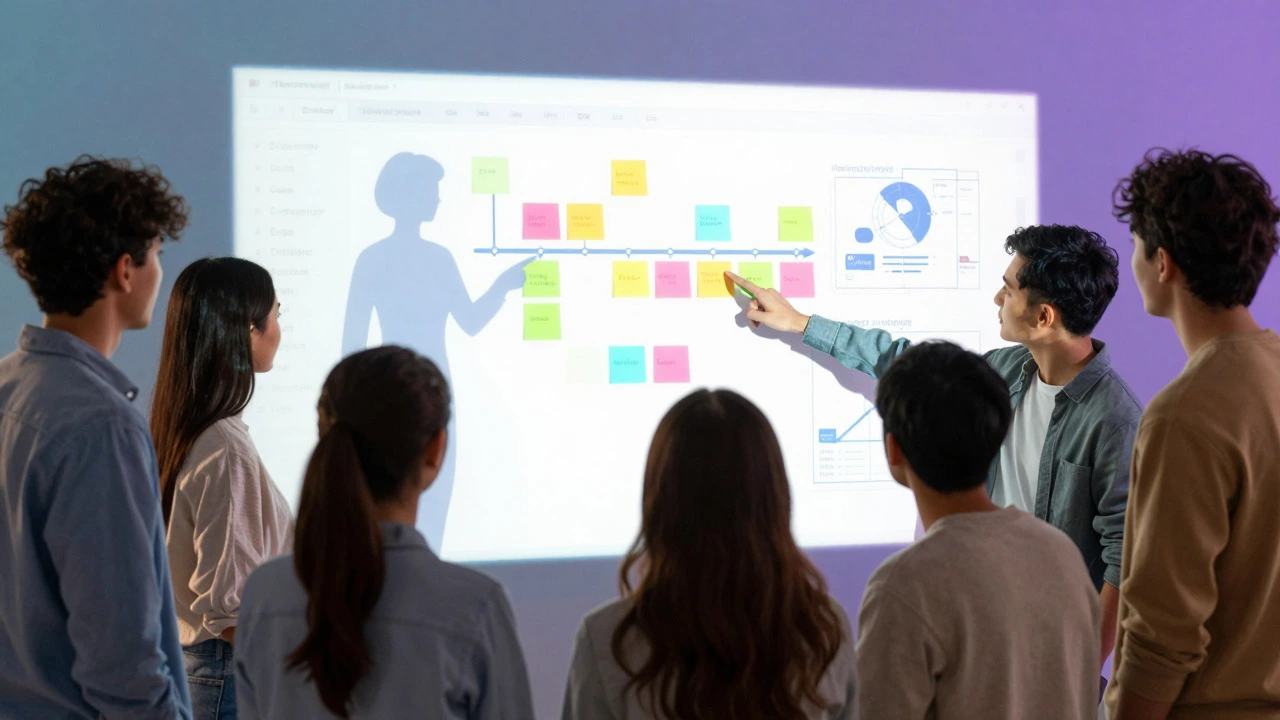
However, Zoom is not an LMS. It doesn't track who completed homework or calculate grades. To bridge this gap, many teachers pair Zoom with Miro is an online collaborative whiteboard platform that enables teams to visualize ideas and workflows together in real time.. Imagine teaching a history lesson where students move sticky notes around a timeline, or a math class where you solve equations on an infinite canvas. This interactivity keeps attention spans longer than a static video feed.
For corporate training or B2B workshops, Microsoft Teams is a comprehensive communication and collaboration platform integrated with Office 365 applications. might be mandatory. If your clients or students are already in the Microsoft ecosystem, using Teams reduces friction. File sharing is seamless, and you can schedule classes directly from Outlook.

For Formal Education: Schools and Universities
If you are teaching for an accredited institution, you likely don't get to choose your app. But understanding why certain platforms dominate this space helps you use them better.
Canvas is a widely adopted learning management system used by schools and universities to manage coursework, grades, and communications. Canvas is the king of higher education in North America. It is structured, rigid, and incredibly thorough. It handles quizzes, assignments, discussion boards, and grade books all in one place. The downside is that it can feel clunky for casual learners. It is built for compliance and structure, not for fun or community building.
In Europe and parts of Asia, Moodle is an open-source learning management system that offers extensive customization and privacy controls for educational institutions. is more common. Being open-source means it is free to download, but it requires technical expertise to host and maintain. Many universities pay developers to customize Moodle to fit their specific academic needs. If you are a teacher in a Moodle environment, you might notice that the interface varies wildly from one school to another.
For Community-Based Learning: Cohorts and Peer Support
A growing trend in 2026 is cohort-based courses. Instead of watching videos alone, students join a group that starts and ends together. This creates accountability and networking opportunities. Standard LMS platforms struggle with this social aspect, which is why new tools have emerged.
Skool is a community platform designed specifically for online course creators to build engaged communities around their content. Skool combines a course host with a social network. Students can post questions, comment on each other's work, and earn points for participation. It feels less like a classroom and more like a private Facebook group dedicated to learning. This model works exceptionally well for business coaching, fitness challenges, or hobby-based groups.
Similarly, Circle.so is a community platform that integrates with various course platforms to provide a centralized space for member interaction and content sharing. offers deeper customization. If you want to create distinct channels for different topics (e.g., #beginner-tips, #advanced-strategies), Circle is the better option. It integrates with almost any payment processor or LMS, making it a flexible add-on rather than a standalone solution.
Key Factors to Consider Before Choosing
Don't just pick the flashiest app. Ask yourself these three questions:
- What is my technical comfort level? If you hate technology, avoid Moodle or self-hosted WordPress solutions. Stick to Teachable or Zoom.
- How do I want to get paid? Some platforms take a percentage of every sale. Others charge a flat monthly fee. Calculate your expected revenue. If you expect to make less than $1,000 a month, a flat-fee platform might cost you more than a commission-based one.
- Do I need student data? If you are selling to businesses, they may require detailed reports on employee progress. Ensure your chosen app exports data in a usable format (like CSV).
Common Pitfalls to Avoid
Many new online teachers make the same mistakes. First, they buy expensive software before validating their idea. Start simple. Record a few lessons on your phone, host them on YouTube (unlisted), and sell access via a simple PayPal link. Once you have paying customers, then invest in a platform like Kajabi.
Second, they ignore accessibility. In 2026, legal requirements for digital accessibility are stricter than ever. Ensure your platform supports closed captions and screen readers. This isn't just ethical; it expands your market to include visually impaired students.
Finally, don't underestimate the power of email. No matter which app you choose, build an email list from day one. Platforms can change, algorithms can shift, but your email list is an asset you own.
Is Zoom enough to teach an online course?
Zoom is excellent for live sessions, but it lacks features for managing pre-recorded content, tracking student progress, or processing payments automatically. If your course is entirely live, Zoom is sufficient. If you mix live calls with recorded lessons, you need a dedicated LMS like Teachable or Thinkific to organize the materials.
Which platform is best for beginners with no budget?
For zero budget, start with free tools. Use Google Meet or Zoom Basic for live classes. Host free video lessons on YouTube (set to unlisted). Use Google Forms for quizzes and assignments. As you generate revenue, reinvest in a paid platform to automate your workflow.
Can I migrate my course from Teachable to Kajabi?
Yes, both platforms offer migration services. Typically, you will export your content and student data from Teachable and import it into Kajabi. While the core content transfers smoothly, you may need to redesign your landing pages and email sequences to match Kajabi's template structure.
Do I need a website to use these apps?
Not necessarily. Platforms like Kajabi, Teachable, and Thinkific provide built-in website builders. You can create a professional-looking storefront within the platform itself. However, having a separate domain name (e.g., www.yourname.com) improves credibility and SEO rankings.
What is the difference between an LMS and a community platform?
An LMS (Learning Management System) focuses on content delivery and assessment-videos, quizzes, and certificates. A community platform focuses on interaction-discussions, peer support, and networking. The best online programs often combine both, using an LMS for lessons and a community tool like Skool for engagement.